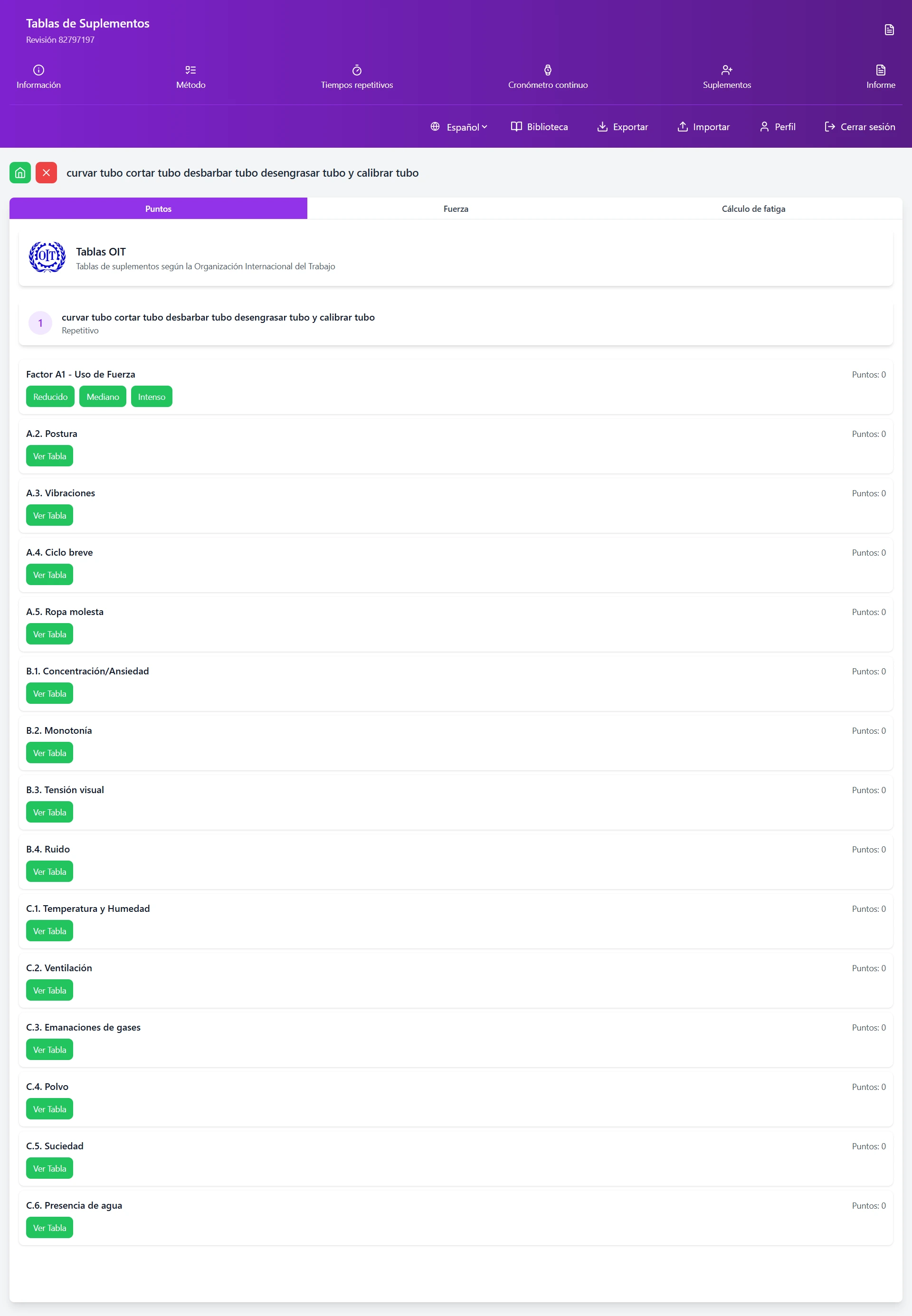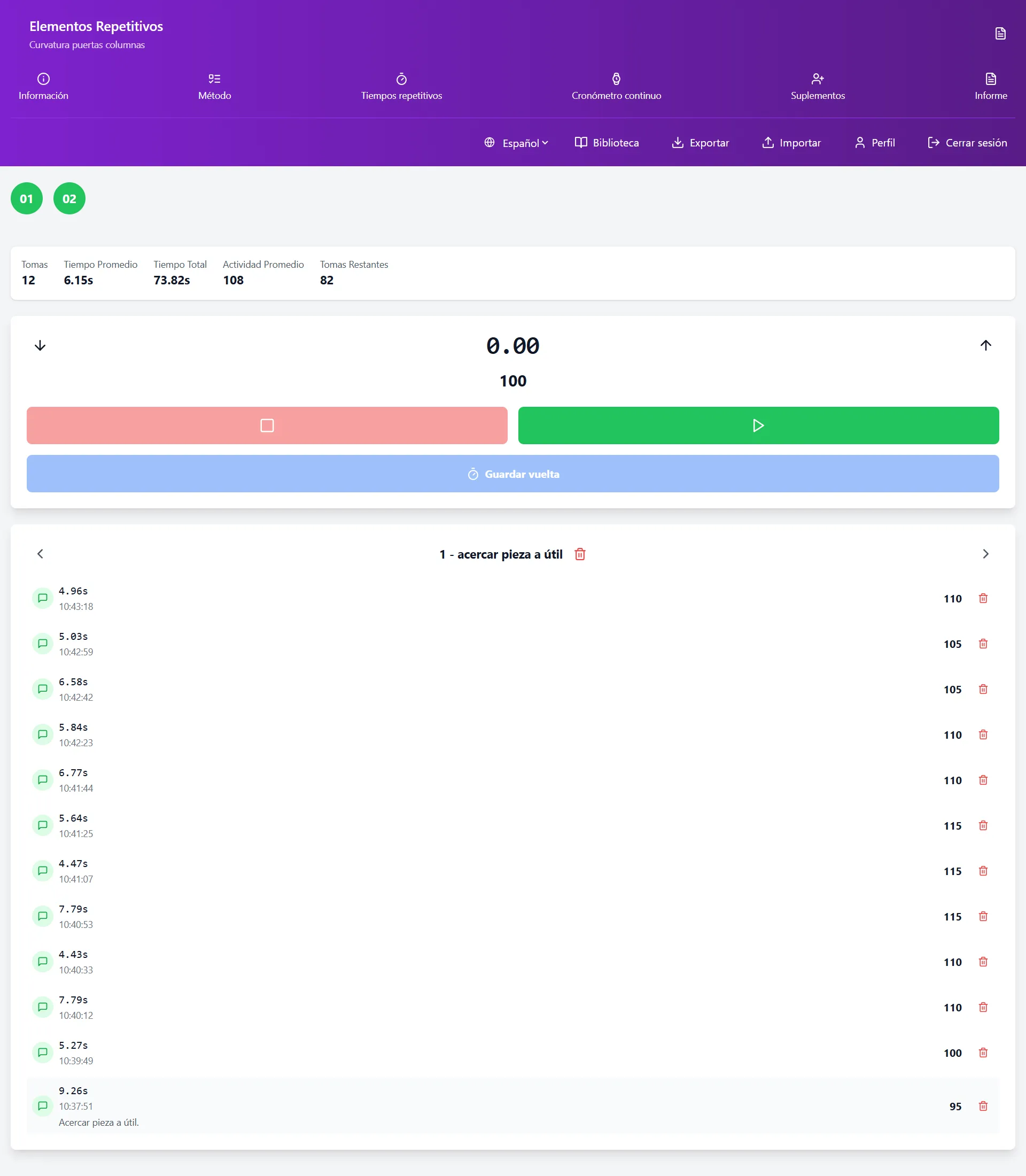
Once we have completed all the data for our work study, we can automatically generate our report. To do this, on our home screen, we will slide the upper buttons to the left until the «Informe» (Report) button is visible.
Access and Information on the Report Screen
Clicking the button takes us to the report screen.
On the first sheet of the report we have the study information and, directly, the result of the study.
We have information on normal and optimal production for each hour of work, the time of our normal and optimal cycle, and the machine cycle time. We also have the minute value and the point value of our task.
Other relevant information that this screen shows us is the maximum activity that the operator can achieve, which in the case of restricted work will not reach the optimum of 133%.
We also see the saturation of the operator at normal performance and at optimal performance.
Result of a time study by timing.
Detail Sheet for Each Element
Each of the cycle elements has an information sheet about that element in which we have all the data recorded about it.
The information we have about the detail of a cycle element is:
The type of element it is: repetitive, frequency, or machine.
The frequency or number of units processed in each cycle.
The description of the task.
The average activity rated for that element on the rating scale applied (centesimal 100-133 or Bedaux 60-80).
The number of measurements taken for the element along with their activities.
The average observed time.
The total observed time.
The allowances applied, as well as the tables used and the detail of each factor.
Finally, the standard time calculated for that element.
Export Report to PDF
At the bottom of the screen, we will see a button to generate the report. When clicking on it, if it is the first time, it will ask for permission to write to your device's memory, as we are going to save a PDF file with your report on it.
Once the necessary permissions are granted, a pop-up window will open where it will ask you to choose the program with which you want to view the PDF file.
When generating the document, it may take a few seconds to create; be patient: the application will freeze until the process is complete.
When choosing the program with which you want to view the report, it will open and you can print it, share it, file it, etc.
Conclusion
Mastering industrial time study techniques is essential for any professional seeking to optimize production processes. The systematic application of these methods not only improves operational efficiency but also significantly contributes to cost reduction and increased business competitiveness. Remember that precision in measurement and rigorous data analysis are the basis for establishing reliable time standards that drive continuous improvement in your organization.
Don't want to do it yourself? We do it for you from €800
If you prefer to outsource it, Cronometras delivers a complete time and motion study from a single video: elemental breakdown, OIT/TAL fatigue allowances, standard time with tolerances, and a report in PDF + Excel + JSON ready to present to management.